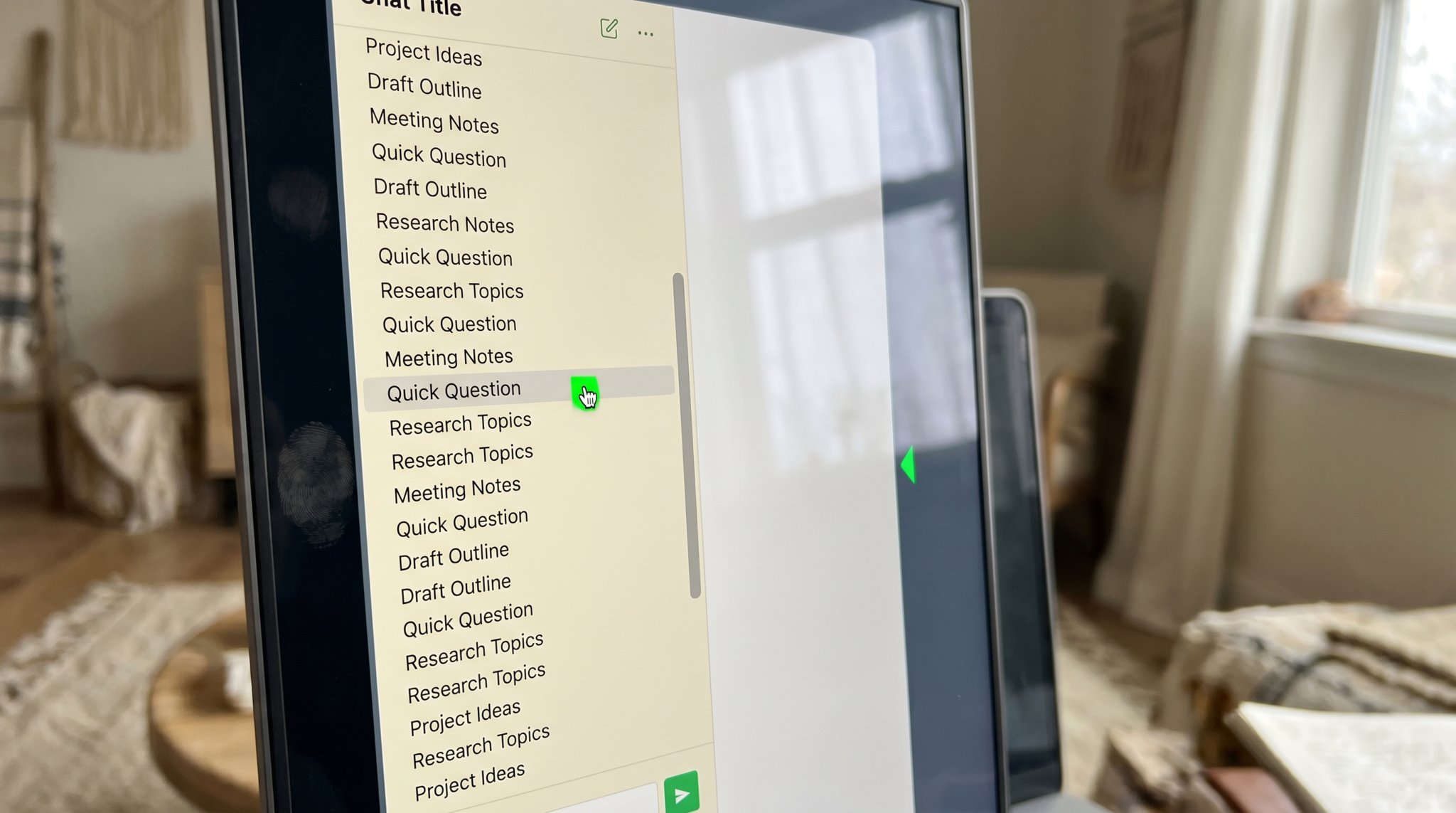
The 47 ChatGPT chats problem.
You wrote one good prompt six weeks ago. The output was almost perfect. You closed the tab. Now there are 47 chats in your sidebar with titles like “Untitled” and “Help me write” and you can’t find it. The problem is the sidebar, not you.
Open ChatGPT right now. Look at your sidebar. Count. If you’re an entrepreneur who’s been using it for more than four months, the number is between 25 and 200. Most of the titles are generic. Some are just “Help me write a.” Some say “Untitled (1)” or “Untitled (4).” You can’t find the chat where you finally got a post that sounded like you.
This is not a discipline problem. The sidebar is designed for short-term conversation, not long-term storage. It’s the equivalent of saving every email as a separate folder, in random order, with no labels. Of course you can’t find anything.
Why search doesn’t save you.
ChatGPT added search. You can search across your chats. The problem is that you don’t remember what was in the good chat. You remember it FELT good. You don’t remember if it was about Instagram or LinkedIn, or whether you used the word “voice” or “tone.” Search needs a query. Your brain doesn’t have one.
You end up scrolling. After three minutes of scrolling you give up and start a fresh chat from scratch. The new chat doesn’t know what worked last time. You teach the model your context all over again. Forty minutes later, you have something that’s 60 percent of what you had six weeks ago.
The real cost.
Most owners spend roughly 4 to 8 hours a month re-teaching ChatGPT context they’ve already taught it before. That’s $400 to $1,200 a month in your billable rate, just paid in wasted re-explanation. The chat history is supposed to compound; in practice it evaporates.
The two real fixes.
Fix 1: A persistent brand voice document, fed in at the start of every session.
Build it once. Two pages. Banned phrases, preferred phrases, your stance on the topics you write about, three real writing samples. Save it in a notes app. Paste it as the first message of every new chat. The model wakes up knowing who you are.
This is what we build for clients as part of the intake. The voice document IS the asset. The model is just an engine that runs against it.
Fix 2: Move your output out of ChatGPT.
The chat sidebar is the worst storage system ever invented for finished writing. Move every good output, the second you get it, into a structured destination. A doc, a Notion page, a board. Anywhere that’s organized by purpose, not by chronological accident.
Our clients do this by skipping the sidebar entirely. Their finished content lands in a private board organized by platform, week, and approval status. The ChatGPT layer is invisible to them, because the destination is the board, not the chat.
Why the discipline approach keeps failing.
Every owner who hears the two fixes above tries the same thing first: rename every chat. Tag them. Build a system inside the sidebar. It works for a week. The pace of new chats outruns the maintenance, and within a month you’re back at “Untitled (12).” It isn’t a willpower failure. The sidebar is fighting you. It auto-titles based on first-line content. It pushes old chats down as new ones arrive. It has no folders. Trying to organize it is like trying to alphabetize a river.
This is why the move is OUT, not better organization inside. The platform is for generating. It’s not for storing. Once you stop expecting the sidebar to be a content library, the whole problem dissolves. Generate in chat, save out the second you’re happy with the output, treat the chat as disposable.
A small move you can make today.
Open one of your old ChatGPT chats. Pick the best output you can find in the first three you open. Copy it into a doc. Title the doc “Best AI Outputs (Started Today).” Don’t try to find all of them. Just save the next good one when it happens. In six weeks, you’ll have a real library, not a sidebar full of “Untitled (3).”
Common questions.
Should I use Custom Instructions or a Project?
Both are upgrades over nothing. Custom Instructions work for personal use. Projects work for grouping. Neither replaces a real voice document that lives outside the platform.
What about Claude Projects? They have files.
Better for this exact problem. A Project with your voice document as a Knowledge file persists across chats. Worth migrating if you’re a heavy user.
Is this whole problem just AI being bad at long-term memory?
Yes and no. It’s a real platform limitation. Owners trying to compensate by remembering everything themselves is what burns the hours. A system outside the platform fixes both ends.
Should I just bulk-delete my old chats and start fresh?
Probably yes, but only after you’ve spent fifteen minutes pulling the three or four outputs you actually want to keep. Bulk delete is freeing; bulk delete without rescue is regret-prone. Once the rescues are saved, blow the rest away. The sidebar feels lighter and you stop scrolling it looking for ghosts.
Your finished pieces, all in one board.
The board is the antidote to the sidebar. 30 ready-to-post pieces every month, organized by platform, image attached, no chat archaeology required.